
Search Bayfield County Bench Warrants
Bayfield County Bench Warrants usually lead back to a circuit court case, a missed hearing, or a docket entry that needs a closer look. The best first move is to search the public court record, then confirm the file with the Bayfield County Clerk of Circuit Court if the docket points to Washburn. Bayfield County gives you a clear local path because the clerk, the circuit court, and the sheriff all work within the same county record system. If you are checking a name, a case number, or a case status, the public tools and county contacts together can narrow the record fast without guessing.
Bayfield County Bench Warrants Overview
Bayfield County Bench Warrants at the Clerk
The Bayfield County Clerk of Circuit Court is the main local office for Bayfield County Bench Warrants tied to circuit cases. The county research says the clerk maintains court records and processes warrants, and the office is located at the Bayfield County Courthouse in Washburn. That is the office to contact when a docket entry points to Bayfield County and you need the case file, the hearing history, or the copy path.
The official county page at Bayfield County Clerk of Circuit Court is the cleanest local source for the office, and the state law library county page at Bayfield County resources lists the same court contact line at (715) 373-6108. That shared number matters because it connects the circuit court and the clerk, so a caller does not have to sort out a large office map just to verify a case file.
Bayfield County Bench Warrants do not sit on their own. They are part of the larger circuit case record, and the clerk is usually the office that can tell you where the file lives and what public copy options exist.
The Bayfield County Clerk of Circuit Court page at bayfieldcounty.wi.gov/484/Clerk-of-Circuit-Court is the source behind this county image, and it points to the office that keeps the Bayfield County court file moving.
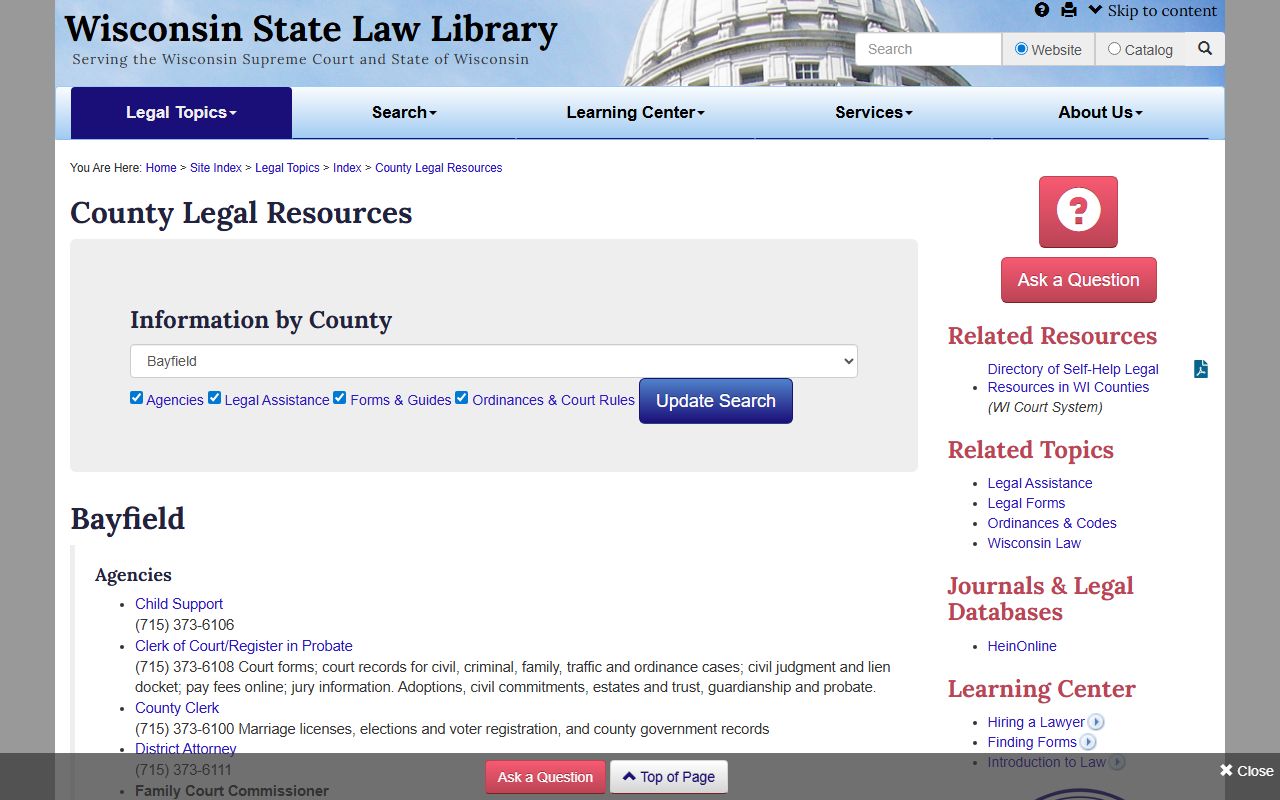
That local court image fits the way Bayfield County Bench Warrants are usually handled, with the clerk and court record leading the search.
How to Search Bayfield County Bench Warrants
The fastest public search tool is Wisconsin Circuit Court Access. Bayfield County participates in WCCA, and the system gives public docket information for circuit court cases across Wisconsin. It does not give every filed document, but it does show enough to tell you whether a case is active, closed, or tied to a warrant entry. That is why WCCA is the right place to start when you want Bayfield County Bench Warrants without waiting on a phone call.
The Wisconsin circuit courts overview explains why Bayfield County fits into a statewide record structure. Circuit courts are the trial courts for criminal and civil matters, so a bench warrant in Bayfield County is linked to the same case file that holds hearings, orders, and docket history. If the case number is old or the name is common, the public record still gives you a way to narrow the file before you contact the courthouse.
Use the search in a calm order. Start with the name, then add a birth date or case number if the public result gives you more than one hit. If the docket shows a warrant event, the clerk can usually tell you whether a copy request belongs with the court file or with a related office. That keeps Bayfield County Bench Warrants searches focused and avoids extra back and forth.
Bayfield County Bench Warrants and Public Records
Bayfield County Bench Warrants are public-record searches first, not rumor searches. Wisconsin public records law, found in Wis. Stat. ch. 19, supports access to many government records unless a record is sealed or otherwise limited. That is why the docket usually comes first. Once you know there is a case, the clerk can help with the copy path and the office that controls the paper file.
The Wisconsin Court System Self-Help Center at wicourts.gov/selfhelp/index.htm also fits this search pattern. It tells people to check the public docket, contact the clerk in the county where the case is pending, and get legal advice when needed. For Bayfield County Bench Warrants, that advice is practical because the public docket often answers the first question, while the clerk answers the follow-up question.
Public access does have limits. WCCA shows docket detail, not every paper in the file, and a request at the clerk office may be needed for certified copies or older records. Bayfield County still gives you a straightforward path because the county office numbers, the court, and the public portal all point to the same record stack.
Bayfield County Bench Warrants and Sheriff Follow Up
The Bayfield County State Law Library page lists the sheriff department at (715) 373-6120 and the district attorney at (715) 373-6164. Those contacts matter when Bayfield County Bench Warrants move beyond the clerk file and into service, custody, or case handling questions. The sheriff is the county office that handles enforcement, while the clerk keeps the circuit record. That split is simple, but it helps you avoid calling the wrong office first.
If you need to know whether a bench warrant is active, WCCA is still the easiest first step. If the docket shows a hearing problem or a failure to appear, the sheriff office may be able to explain the enforcement side, while the clerk can explain the case side. Bayfield County works best when those two roles stay separate. The record tells you what happened. The sheriff tells you what the county is doing with it.
Bayfield County Bench Warrants also benefit from the county courthouse setting. Because the circuit court, clerk, and sheriff all serve the same county, the office that has the answer is usually easy to identify once the docket shows the case number or branch.
Bayfield County Bench Warrants Next Steps
After you find a Bayfield County case, the next step is to match the record to the office that controls the file. If WCCA shows the bench warrant entry, write down the case number, the party name, and the court branch if it appears. Then call the clerk at (715) 373-6108 or use the county clerk page to ask about copies, file location, and any follow-up needed on the docket. That is usually enough to move from a broad search to a specific record request.
Bayfield County Bench Warrants can also involve older cases, and older cases often need more detail than a quick public search gives you. A full name, date of birth, or a known hearing year can make a large difference. If you still have a partial match, the clerk office can usually help confirm whether you are looking at the right file before you go any farther. That keeps the search efficient and reduces false matches.
The main Bayfield County resources are simple. The county clerk handles the record, WCCA shows the public docket, and the state law library county page gives you the court and sheriff numbers in one place. That is enough to keep a Bayfield County Bench Warrants search moving in the right direction.